centralize Printer Server
https://www.querypanel.com/centralize-printer-server/

How to add centralize Printer Server
Install Print and documents and services using Windows Server Manager

Once install done click on tools and start Print Management

Expand print Servers and click to printers

Now click on add printer

If printers running in your network search or add using IPV4 Address

Having multiple printers select one of them and click to add
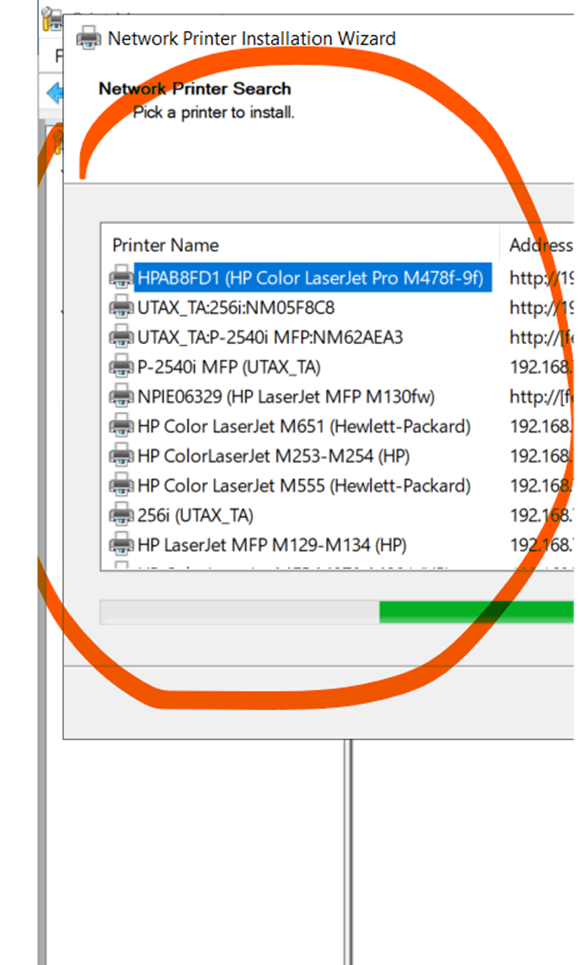
Add printer

Click next and add it

Once done windows key + r
Type server ip or name

Right click and connect the server attached printer
Comments
Post a Comment